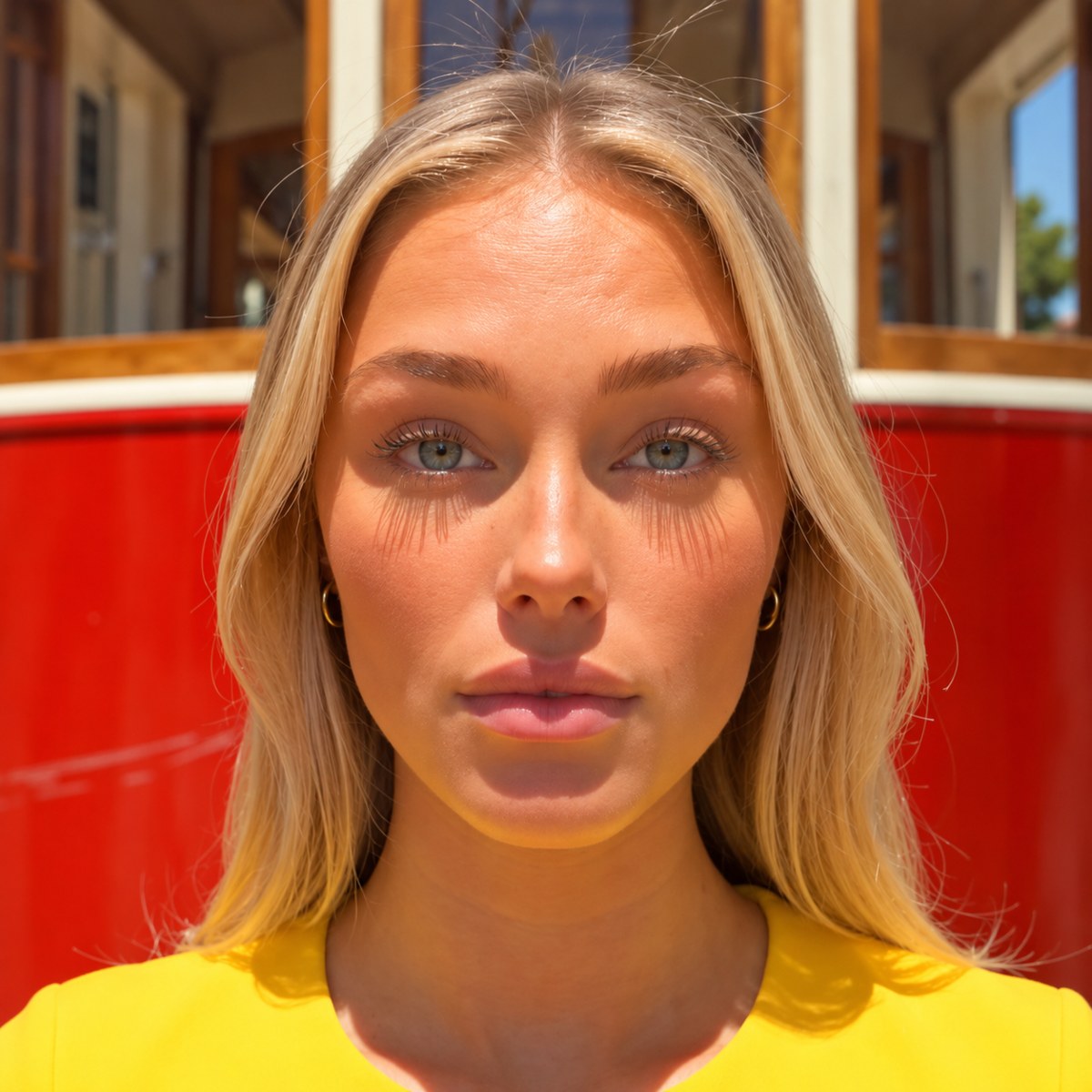
Follow the steps alongside real outputs from our own avatar video. Tap an image to explore it in full.
SHEET 01 / Grid layoutSHEET 02 / Wide layout
01 — LOCK YOUR CHARACTER
One sheet. One identity.
Build a character sheet in Nano Banana Pro. It does not need to be perfect or follow a specific format: its only job is to lock the face, hair and outfit so the same person shows up in every shot. These two sheets use different layouts and both worked.
Generate it once. Redo it only if the face or the outfit changes.
02 — BUILD THE SCENE
Start from a real photo.
Use a real photo of the place and remove any readable text or logos. Add your character from the sheet, then change one thing per edit: position, light, people in the foreground. Many small edits beat one huge prompt.
SCENE / Final scene image
RESULT / Seedance 2.5, 4 s
03 — GIVE THE CAMERA A REAL MOVE
Film it on your phone.
Record 4 seconds with the move you want: a walk, a quick zoom, a small turn. Export it at 30 fps and use it as the camera reference in Seedance 2.5, with your scene image as the first frame and your character sheet as a reference. A real phone clip beats a 3D animation for people.
04 — REVIEW, CUT, ADD SOUND
Draft first. Cut in post.
Generate a 480p draft and fix one thing at a time. Render the final in 1080p only when the motion works. Make one clip per camera angle, join them in your editor and add the sound: ambience and footsteps are half of what makes it feel real.
02 / YOUR STARTING POINT
Copy. Paste. Create.
CHARACTER SHEET / ENGLISH
Character reference sheet, plain white background. One [woman/man] in [outfit], [hair]. Show the face from the front, side and three-quarter views, plus a full-body view from the front, side and back. Real camera, 85mm lens, soft even light, natural skin with visible pores, no retouching, no text, no logos. Any layout works.
SEEDANCE 2.5 SHOT / ENGLISH
Use the video reference only for camera movement. Take the look, the people and the place from the images. One continuous shot, 9:16. [Character] [simple action] with natural timing, subtle breathing and believable weight shifts. The camera [one movement, performed once]. 0-[s] s: [what happens]. [s]-[s] s: [what happens]. Keep the face, outfit, scene layout and light unchanged. Audio: [voice line in quotes], [ambient sound], no music. NEVER: logos, readable text, license plates, camera equipment visible, people appearing or disappearing, a stabilized camera.
Fill in the brackets, copy each prompt in full and use them with your own images.
03 / BEFORE YOU GENERATE
A few things that help.
Give the camera a job.
Say what the camera does and what each person does, once. A floating camera or an undescribed action is where the model starts to invent.
Say what is solid.
Hands, bodies and objects must not pass through walls, glass or each other. If a shot breaks, change one thing and generate again.
You’ll need Nano Banana Pro, Seedance 2.5, a phone and a video editor. Tool subscriptions or generation credits may apply.